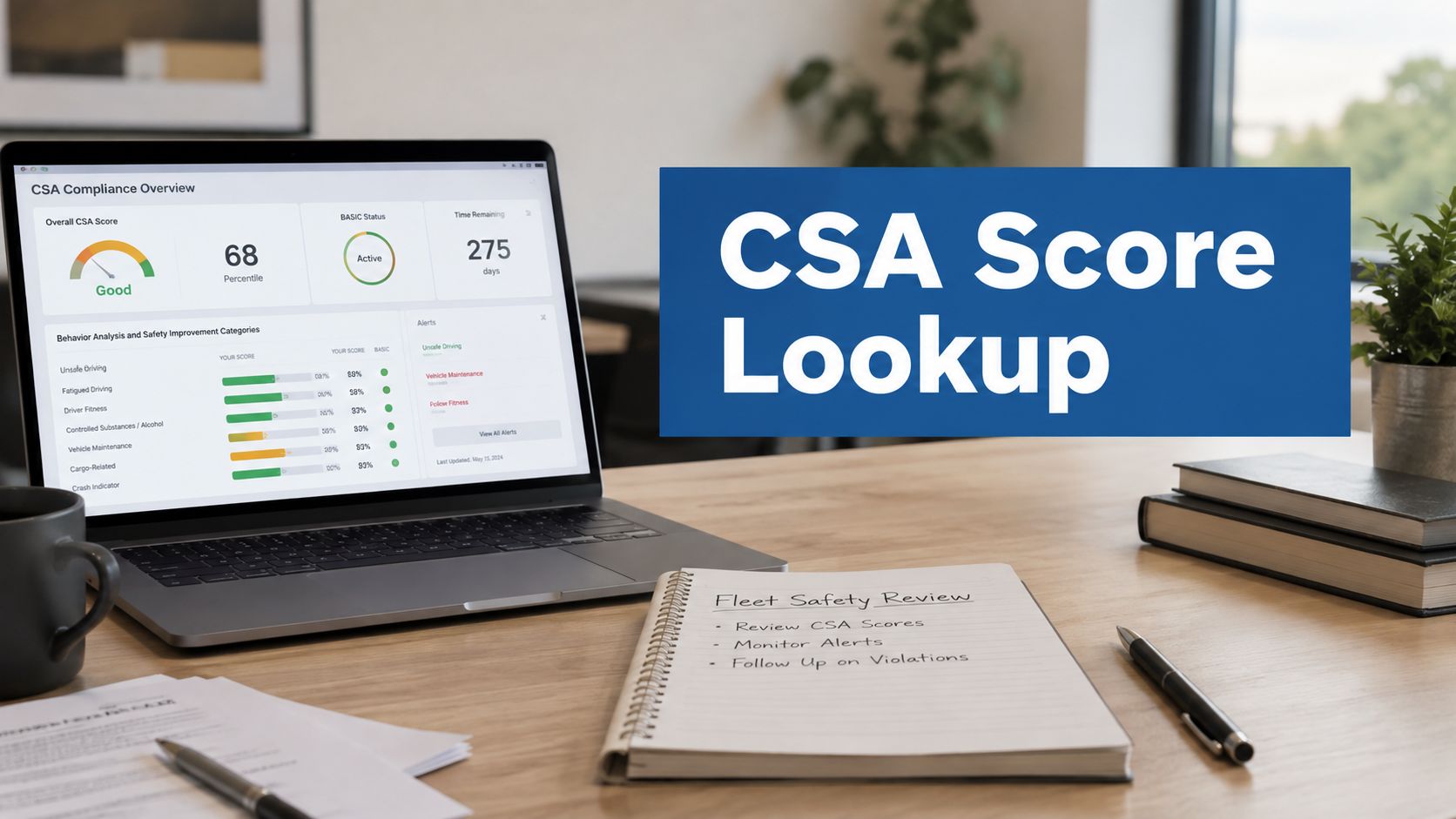
CSA score lookup usually gets urgent when you're already under pressure, maybe a shipper wants it before tomorrow's pickup, or your insurance renewal is coming up fast. If you run a fleet, you need the answer quickly, and you need the right portal, not a half-finished report that misses important risk signals.
What usually goes wrong is simple, people treat the public snapshot like it's the whole story. They pull SAFER, see a few totals, and think they've checked the CSA score, when the carrier-only BASIC percentiles and violation detail are still hiding behind FMCSA credentials. That mistake costs time, and it can lead you to chase the wrong problem.
CSA score lookup is really two lookups, one public and one restricted. You'll get better results when you separate the SAFER Company Snapshot from the SMS portal, read the BASICs correctly, and use the right process to challenge bad data when it shows up.
Why a CSA Score Lookup Matters for Your Fleet
A shipper asks for your numbers late in the afternoon, and your renewal paperwork is already stacked on the desk. That is the moment a fast csa score lookup stops being a compliance chore and becomes part of the day-to-day work of running a fleet. You are checking more than a score. You are checking whether a carrier profile is likely to draw attention from shippers, insurers, or FMCSA.
The reason this matters is the way FMCSA structures CSA, short for Compliance, Safety, Accountability. The public-facing lookup is built around the Safety Measurement System, or SMS, and the result shows a percentile ranking from 0 to 100 rather than a pass or fail score, with a higher percentile meaning worse relative safety performance in the peer group (FMCSA CSA program). FMCSA uses those percentiles to flag carriers when BASIC thresholds are exceeded, and industry guides commonly cite 65% for Unsafe Driving, Crash Indicator, and Hours-of-Service Compliance, plus 80% for Vehicle Maintenance, Controlled Substances and Alcohol, Driver Fitness, and Hazardous Materials, with lower thresholds in some passenger and hazmat cases.

When you manage fleets for a living, the practical value is in the pattern, not the screenshot. You need to know where the data came from, which parts are public, which parts require carrier access, and how often the system refreshes. You also need to know what sits behind the public snapshot, because the carrier-only BASIC percentiles and violation detail are what drive intervention risk.
A useful csa score lookup also helps you separate routine monitoring from one-off panic checking. If you are tying safety data into another access-controlled system, such as programmatic gate control for fleets, the same discipline applies, know which data source is authoritative before you act on it.
Running a Public CSA Score Lookup on SAFER
The free path starts with the FMCSA SAFER System and the Company Snapshot. Anyone can use a USDOT number to pull the public inspection and crash history, which makes this the first stop for a quick vetting check or a customer request.
Start by going to the public SAFER lookup and entering the carrier's USDOT number. The resulting snapshot shows the carrier identity, recent inspection and crash history, and the basic profile information that outsiders can review. If you're checking a company you don't control, this is the part most shippers and brokers see first.
Here's the part that gets misunderstood. SAFER is useful, but it isn't the full score picture. The public view does not give you the carrier-only BASIC percentiles, the violation-level detail, or the intervention status that sit inside SMS, so a clean-looking snapshot can still hide a problem that matters operationally.
Practical rule: use SAFER to answer the first question, “What does the public record show?” Then use the carrier portal when you need to answer, “Why is the score moving?”
A solid public lookup is enough when you need a quick vetting screen, a discussion with a broker, or a sanity check before a meeting. It's not enough when you're trying to fix a trend, because the public side shows totals, not the detailed mechanics behind them.
You can also use this snapshot as a baseline before you dig into carrier access. If the public history already looks messy, expect the carrier portal to explain why the BASIC percentiles are trending the way they are.
For a practical note on identifying the carrier record tied to the right USDOT number, the internal reference at What Is a USDOT Number is a helpful starting point.
Accessing the Carrier-Only SMS Portal and BASIC Detail
A csa score lookup inside the FMCSA Safety Measurement System, or SMS, moves you from the public snapshot to the carrier record. To get in, you need your USDOT PIN and FMCSA-issued credentials, because this portal is built to show carrier-specific safety detail, not just the public summary (FMCSA SMS structure).
Once you are authenticated, open the BASICs area and review the categories tied to your fleet. The carrier-facing view includes the seven BASICs, Unsafe Driving, Hours-of-Service Compliance, Driver Fitness, Controlled Substances and Alcohol, Vehicle Maintenance, Hazardous Materials Compliance, and Crash Indicator (FMCSA SMS structure). It also shows the non-public categories and the violation-level detail that public users cannot see (FMCSA carrier-facing detail).

That deeper view matters because it shows the inspection details, violation codes, severity weights, and time weights that shape the percentile scores. Click into a violation and you see the reason a BASIC moved, not just the label attached to it (FMCSA SMS structure).
The public snapshot is the headline. SMS is the evidence file.
If your team is trying to get the right portal access, the internal guide at Find DOT PIN is useful because the PIN issue is usually where people get stuck first. Without it, you are looking at a partial record and making decisions from missing data.
A carrier-only review stops the guesswork. It lets you separate one bad roadside event from a pattern, which is the difference between reacting to noise and managing safety.
How to Read Your BASIC Percentiles and Intervention Thresholds
A CSA score is not a grade. It is a percentile ranking from 0 to 100, and higher numbers mean worse relative safety performance compared with similar carriers. That is the part that usually trips people up, because a 70 does not mean “70 out of 100 good.” It means your fleet sits in a weaker relative position.
What the Percentile Tells You
FMCSA builds SMS from roadside inspections, crash reports, and investigations, then refreshes it monthly. The system uses the last 24 months of roadside inspection and crash data, so the score is a rolling view rather than a permanent label. Older events fall out of the lookback window, and the public scoring guidance notes that the most recent six months carry the greatest influence, which is why a fleet can improve without seeing instant movement.
Two carriers can have similar raw violations and still land in very different percentiles. SMS combines weighted violations with peer-group comparison, so normalization matters as much as the raw count. The public explanation at FMCSA CSA program and the SMS scoring explanation both make that point clear.
Where the Intervention Lines Sit
The standard BASIC intervention thresholds cited in industry guides are 65% for Unsafe Driving, Crash Indicator, and Hours-of-Service Compliance, and 80% for Vehicle Maintenance, Controlled Substances and Alcohol, Driver Fitness, and Hazardous Materials, with lower thresholds applying in some passenger and hazmat cases. That does not mean FMCSA automatically opens a case the moment a number crosses the line, but it does mean the carrier is closer to intervention risk and needs attention.
A practical way to read the bands is this:
- Lower percentiles: the fleet is relatively stronger in that BASIC.
- Middle percentiles: the fleet needs monitoring, especially if the number is trending up.
- Threshold or above: treat it as a priority review, not a cleanup task for later.
For a plain-English translation of how percentile movement connects to day-to-day fleet behavior, the CSA Points Guide is a useful reference. The point is to watch trends and the underlying violations, not argue with the number by itself.
Disputing Errors Through the FMCSA DataQs Process
A bad violation entry can sit inside your record long enough to distort a BASIC percentile, even when the underlying event was entered wrong. That's why DataQs matters. It's FMCSA's review portal for inspection, crash, and roadside data disputes, and it gives you a formal way to ask for correction when the record doesn't match what happened.
What to send with a challenge
Keep the challenge short and specific. Name the violation, say what is wrong, and attach the proof that backs it up. The strongest packets usually include driver logs, maintenance records, photos, and ELD reports, because those documents line up with the record FMCSA is reviewing.
A clean submission reads like a file review, not a complaint letter. If the violation is tied to the wrong unit, wrong carrier, or a condition that was compliant, say that plainly and point to the supporting document. Long stories usually slow the review because they bury the issue.
What happens after you file
Once the challenge is in, track it like you would any other compliance task. If the review is accepted, the correction flows back into the carrier record and then shows up at the next monthly SMS refresh, which is why timing matters. If it's rejected, you still need to keep monitoring the record and decide whether there's another basis for review.
Practical rule: file the challenge early, before the violation has time to shape the next monthly snapshot.
For teams that want a tighter workflow around dispute handling, the internal reference at DataQs and FMCSA is a useful operational companion. The value here is routine, not drama, because the fleet that fixes errors fast usually carries less score noise over time.
A Real Scenario for Ongoing CSA Monitoring and Improvement
A small carrier with 12 power units pulls its SMS record and sees Unsafe Driving at 72 percent, which puts that BASIC above the common intervention line cited in industry guides. The safety manager does not start with a broad review. They go straight to the violation-level detail, see the same speeding pattern in two states, and confirm it is not a one-off issue.
From there, the response is practical. The carrier coaches the affected team on route discipline and speed control, then sets a monthly pull routine so the record gets checked on a schedule instead of only when someone asks. Two borderline citations get routed into DataQs because the paperwork does not match the field reality, and that gives the fleet a chance to clear out bad data instead of carrying it forward.
The percentile does not always move on the first refresh. That is normal, because SMS updates monthly and the system is working off a rolling 24-month window of weighted data. As older events age out and the fleet keeps stacking clean months behind it, the percentile starts to shift in the right direction.
The carriers that improve fastest keep the process steady. One coaching session helps, but monthly review is what keeps the fix from slipping. A practical reference like FMCSA Safety Scores works well here because it reinforces the habit of tracking the BASICs the same way you track maintenance intervals.
For cleanup work like this, some fleets use a compliance service to keep the record organized, monitor the BASICs, and support driver qualification and drug and alcohol program management. My Safety Manager does that kind of work for carriers that want a managed process instead of a stack of reminders, and it fits best when steady monitoring matters more than occasional checks.
FAQs About CSA Score Lookups
How often does SMS refresh?
SMS updates on a monthly basis, so a lookup shows the latest posted snapshot rather than a live roadside event feed.
Is the public SAFER view the same as SMS?
No. The public SAFER view shows inspection and crash information that anyone can see. SMS is the carrier-only side of the system, where BASIC percentiles and violation-level detail sit behind restricted access.
What does a higher CSA percentile mean?
A higher percentile means the carrier is performing worse than its peer group on that BASIC. It is a relative measure, so a higher number is not a better result.
Which BASICs have the common intervention thresholds?
Commonly cited thresholds are 65% for Unsafe Driving, Crash Indicator, and Hours-of-Service Compliance, and 80% for Vehicle Maintenance, Controlled Substances and Alcohol, Driver Fitness, and Hazardous Materials. Those thresholds are the ones fleet managers watch closely because they signal where intervention risk starts to rise.
How far back does CSA data go?
SMS uses the most recent 24 months of roadside inspection and crash data. Older events drop out as the window rolls, so recent performance matters more than a single bad week.
Why can two fleets look similar but score differently?
SMS does not compare raw counts alone. It uses peer-group normalization and weighted violations, so two fleets with similar inspection totals can still end up with different percentiles depending on violation severity and how the carrier compares with its peers.
What if you lost your USDOT PIN?
You need the USDOT PIN to get into the carrier-only SMS portal. If that credential is missing, recovery has to go through FMCSA access support before you can view the restricted BASIC detail.
Can you fix a wrong violation?
Yes. If a violation does not match the record or the field facts, submit a challenge through DataQs and attach the supporting documents that show why the item should be reviewed. That process is what gives a carrier a path to clear inaccurate data instead of carrying it forward in the file.
