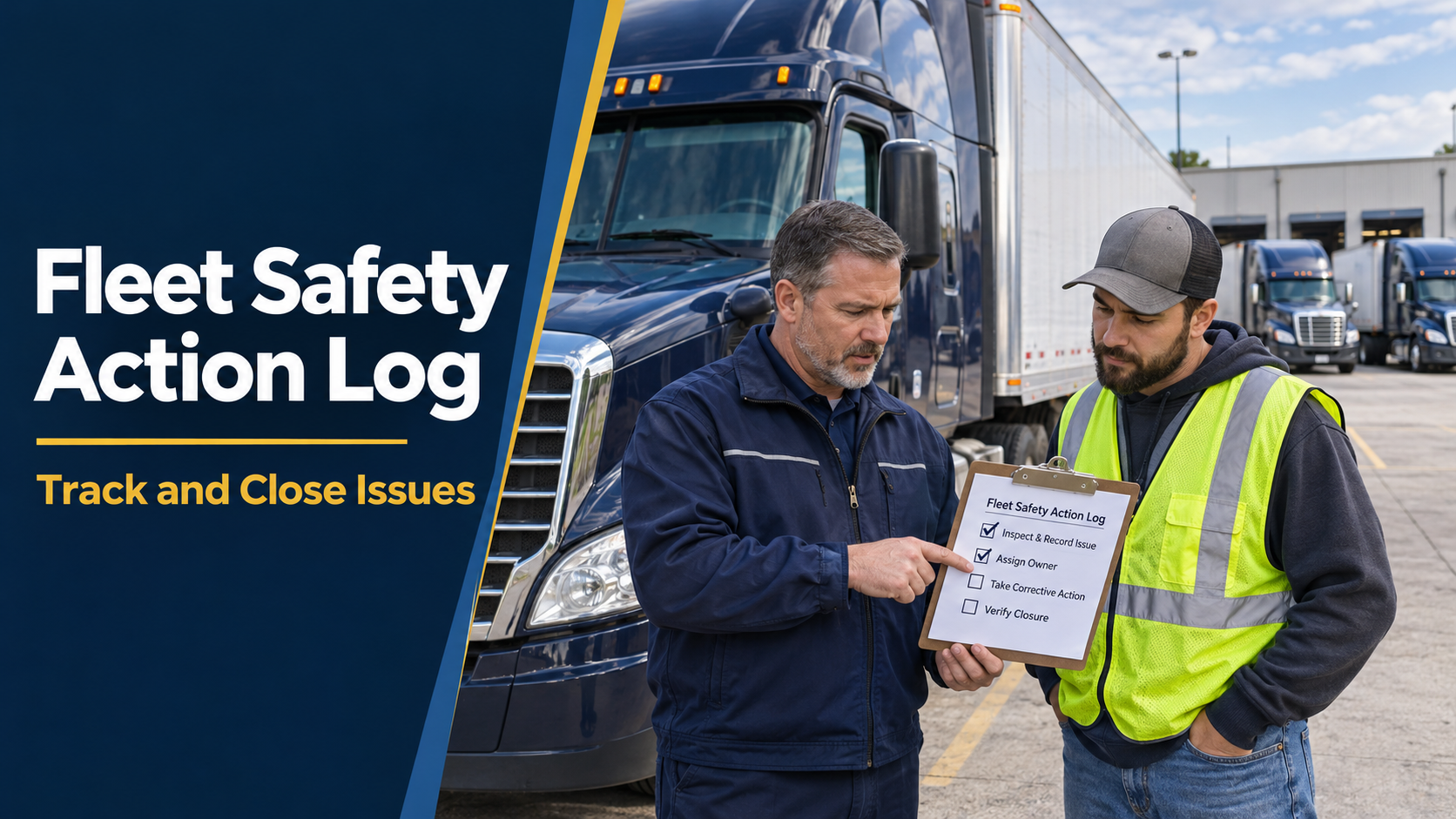
A safety issue can stay open long after you assign it. Your fleet safety action log gives every unresolved item an owner, a due date, a clear next step and evidence of completion. Keep one management register for follow-up, with links to the underlying records, so your next review starts with facts instead of a search through messages.
Use the log for work that crosses departments: an incomplete maintenance record, a training follow-up, an outdated cab form or an unresolved audit finding. Your incident-reporting, maintenance and driver-file systems still hold the detailed records. The action log helps you see what needs attention across those systems.
Decide what belongs in your action log
Add an item when a specific problem needs an assigned response and a later check. Write the observed condition first. “Cab packet contains an outdated contact sheet” is more useful than “paperwork problem.” Then describe the result you need: replace the sheet in the identified trucks and confirm the replacement.
If a hazard needs immediate action, handle that action through your established safety process before entering routine follow-up. A spreadsheet entry doesn’t authorize dispatch, release equipment or establish that a driver is qualified. Don’t use your weekly review as a reason to delay an urgent response.
This register is a recommended management practice, not a claim that federal rules require this particular form. FMCSA’s Safety Management Cycle overview connects defined responsibilities, monitoring and tracking with corrective action. Your log makes those responsibilities and follow-up steps visible.
Build a register you can review quickly
Start with the fields below. A short, consistently maintained register is more useful than a complex spreadsheet your team stops updating. Keep sensitive details in the appropriate restricted file and reference its location from the log.
| Field | What you record |
|---|---|
| Item and source | A unique item number, discovery date and link to the inspection, review or report. |
| Observed condition | The specific gap you verified, including the unit or process involved. |
| Required result | An observable outcome, such as verified replacement of an obsolete form. |
| Owner and due date | One accountable person and a realistic deadline that respects any applicable requirement. |
| Current status | Open, in progress, waiting on another party, ready for verification or closed. |
| Next action | The next concrete step, its responsible person and the next check-in date. |
| Closure evidence | A reference to the completed record, confirmation or other relevant evidence. |
| Verification and follow-up | Who checked the result, when you closed it and whether a later effectiveness check is needed. |
Give each item one accountable owner
You may need help from dispatch, maintenance and a vendor to resolve the same item. Still, name one person responsible for keeping it moving. “Maintenance department” leaves room for uncertainty about who makes the next call.
Separate the owner from the person who verifies completion when that is practical. Your owner gathers the evidence; your reviewer checks whether it supports the requested result. In a small fleet, the same person may perform both steps, but record the check explicitly.
Choose deadlines based on the actual issue and any applicable obligation. A company target doesn’t replace a regulatory deadline. If you change a due date, retain the original date and the reason instead of erasing the missed commitment.
Keep waiting items visible
“Waiting on vendor” describes a dependency, not a completed task. Record what you requested, when you requested it and the next follow-up date. If you need a missing repair record, distinguish obtaining that document from independently confirming the equipment’s condition.
Set an escalation contact for an overdue item or an unanswered request. Your escalation note should explain what decision or assistance you need. Avoid copying the same vague update into the log week after week.
Close an item only when the evidence fits
Define acceptable evidence when you create the action. That prevents a disagreement later about whether “done” means an email was sent, a form was replaced or the change was actually checked.
Hypothetical example: You find an obsolete emergency contact sheet in two cab packets. You assign your dispatcher to replace those sheets, verify the remaining cab packets and record the current revision date. You close the item after reviewing the replacement confirmation and inventory. A later spot-check can test whether your process keeps newly assigned trucks current.
Keep completion and effectiveness separate. A training completion record can show that instruction occurred. Your later review asks whether the relevant operating practice improved. Don’t describe that improvement as proven simply because the course was completed.
Run a short weekly review
- Address urgent and overdue items first. Confirm the current operating controls and identify any decision needed today.
- Review blocked items. Give every outside dependency a next contact date and an escalation owner.
- Verify proposed closures. Check the evidence against the original required result.
- Look for repeated gaps. Repeated obsolete forms may point to a distribution problem rather than several unrelated mistakes.
- Record the next review. Leave each open item with a concrete next action.
If an item begins with a near miss, use your near-miss reporting process for the report and investigation. Add the resulting follow-up action to this register with a reference back to the source. That keeps your management review focused without duplicating sensitive incident details.
Start with your existing unresolved work
Review your latest safety meeting notes, inspection follow-ups and outstanding document requests. Add a manageable group of verified open items, remove duplicate entries and agree on the first review date. You don’t need to reconstruct every historical task to start using the register.
Use the My Safety Manager Compliance Toolkit to identify practical review areas. For each gap you find, record the owner, required result and evidence before you assign the work. Your next safety review can then show what changed and what still needs your attention.
